Street View
Description
The Street View feature lets you view, from the QWC2 map, a street-level view of the surroundings using Google Maps Street View.
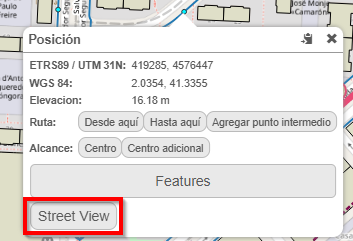
Fig. 12 Access Street View from the map.
How to use
To use this tool, simply right-click anywhere on the map and, in the context menu, the Street View button or Vista de Calle will appear. This option opens a new Google Maps Street View tab centered on the selected coordinates, which allows a street-level view of the surroundings.
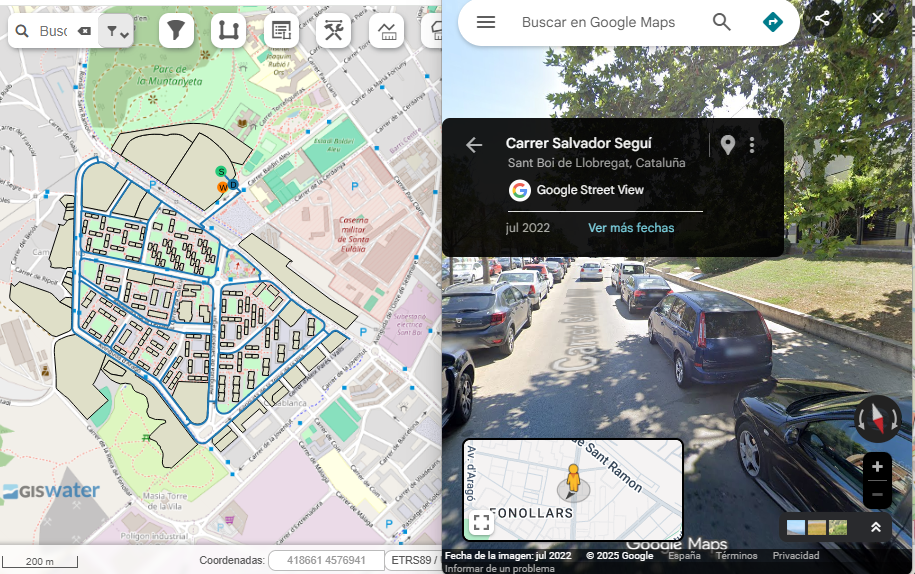
Fig. 13 Google Maps Street View window.