Routing
Description
With the Routing tool, you can compute routes between two points on the map, and you can add intermediate points.
To use the tool, the easiest way is to right-click on a point on the map and mark it as the starting point, by clicking on From here in the Route menu.
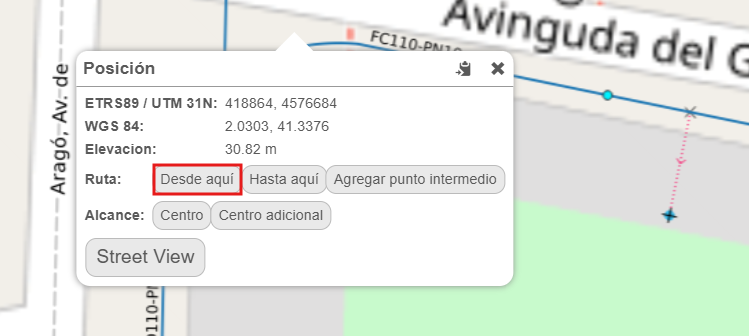
This will open the tool form, directly adding the selected point coordinates as the start point.
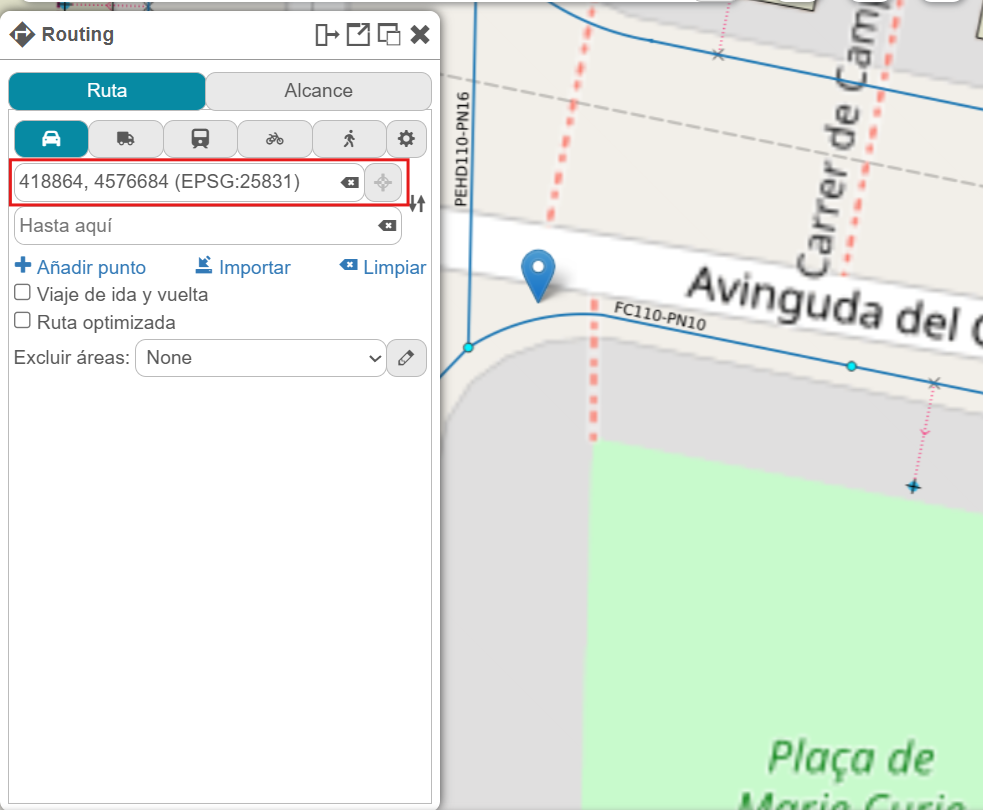
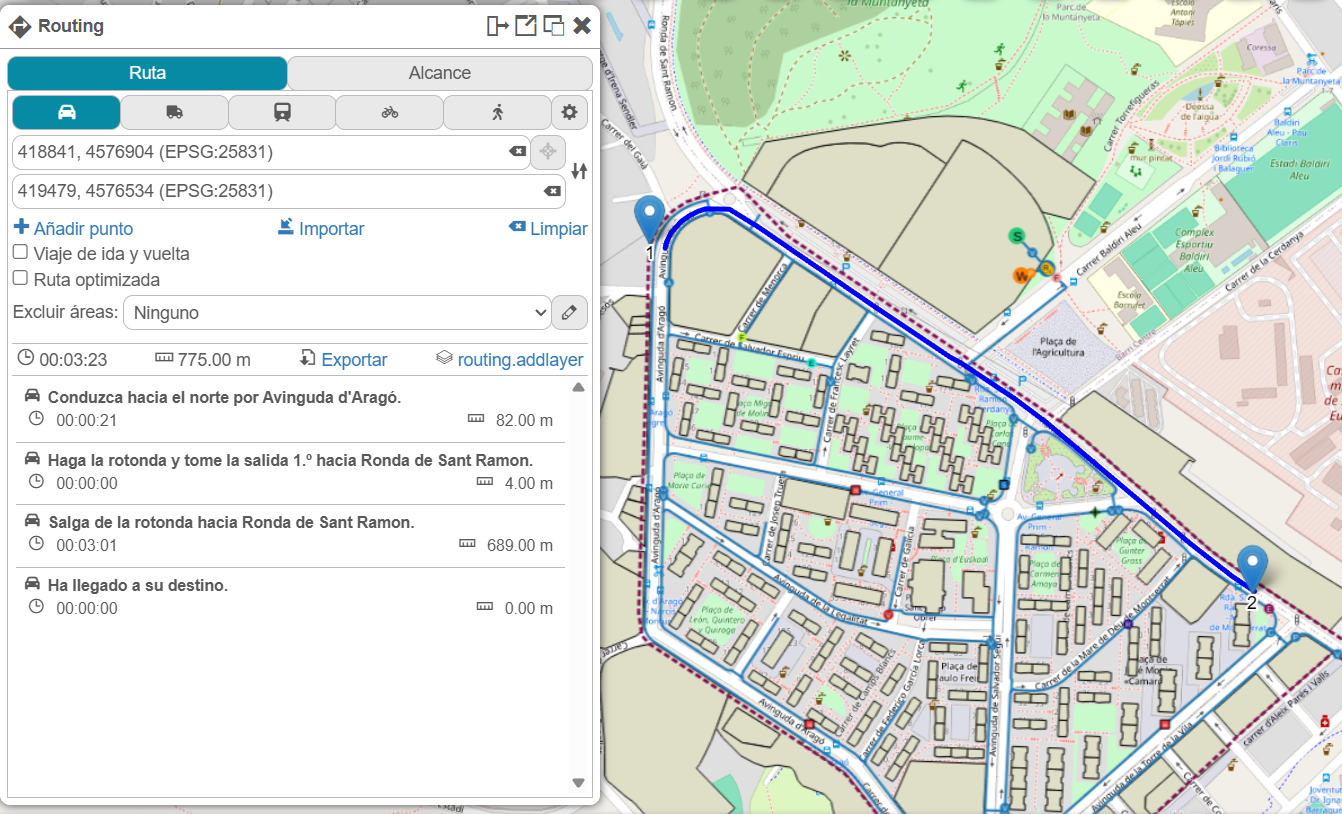
Then, you can add the destination point the same way, by clicking To here in the Route menu. Once this is done, the route will be calculated, determining time and distance according to the selected travel mode. From there, you can add intermediate points (stops) along the route, change the travel mode, and so on.
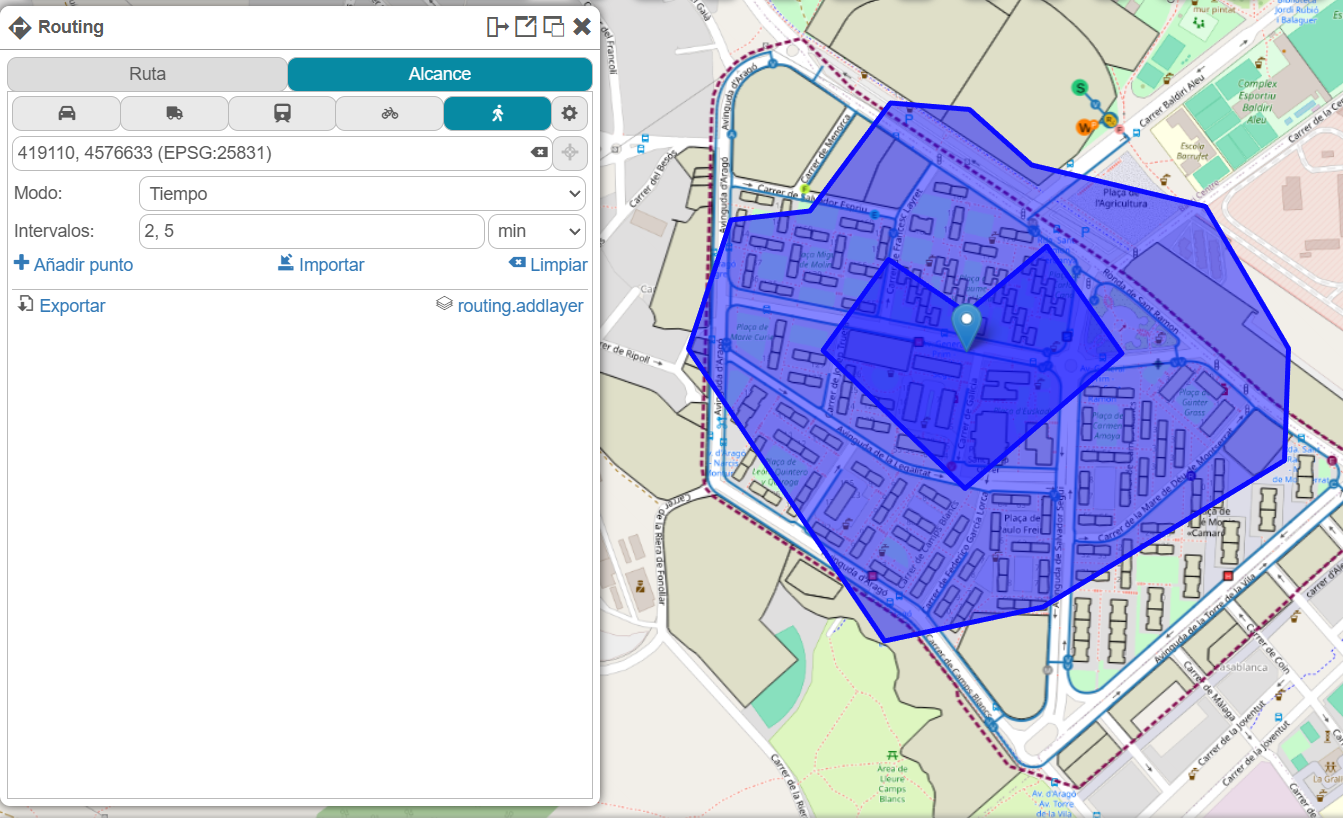
There is also the option to visualize an isocrone, meaning the map areas that can be reached within a given time from a point. To do this, when you right-click on a map point, the Center option appears within the Reach section.
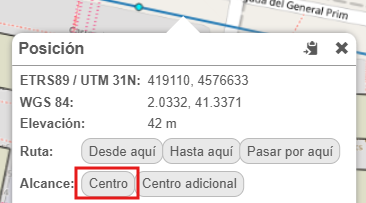
This will open the tool form, directly adding the selected point coordinates as the center point. From there, we can change the time intervals or add an additional center.