Cut Polygon 
Description
This tool, exclusive for drinking water (WS) projects, allows you to define the minimum affected area in case of intervening on a pipeline. The generated report also makes it possible to visualize and export the users who will be affected by the scheduled intervention. The tool also includes the Cut Polygon Manager, which lets you manage the created records, being able to open them, view them, modify them, delete them and export them.
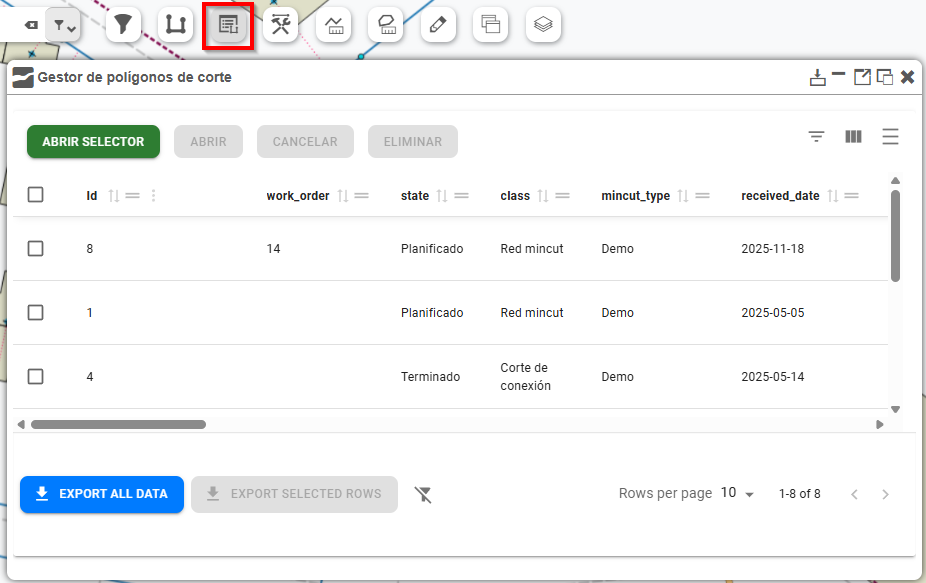
Fig. 18 Cut Polygon Manager.
How to use
By selecting the point on the pipeline to be intervened, the tool will look for the nearest valves that isolate this segment. Likewise, the form allows you to plan a scheduled shutdown, leaving a record of the start and end date and time.
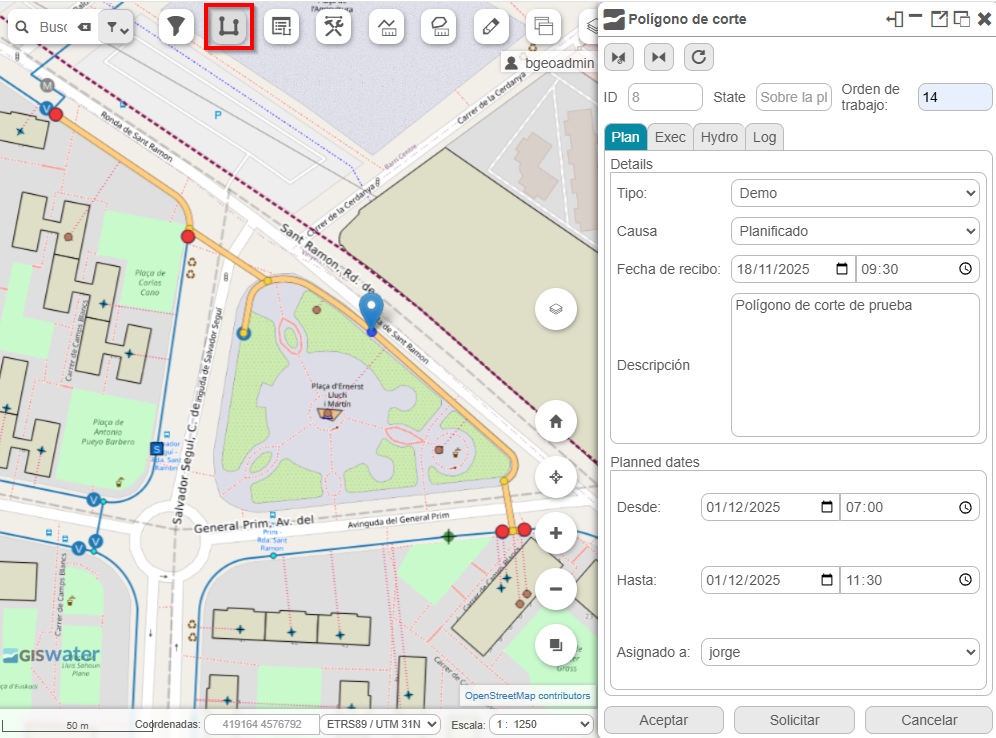
Fig. 19 Generation of the cut polygon.
A scheduled shutdown can be planned, executed and completed. Likewise, you can recalculate the cut polygon by indicating inaccessible valves or by directly opening or closing them.
Note
The temporary layers generated by the tool can be removed using the Delete temporary layers button.