Toolbox
Description
The Giswater Toolbox in QWC2 groups several advanced functionalities. From this menu, you can perform:
Spatial analysis.
Creation of custom reports.
Execution of specific Giswater tasks.
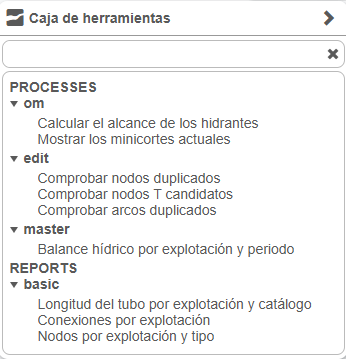
Fig. 22 Giswater Toolbox.
How to use
To use these tools, access the corresponding menu within QWC2. From there you can select the desired functionality. In this example, we see the result of running the tool Calculate the extent of the fire hydrants.
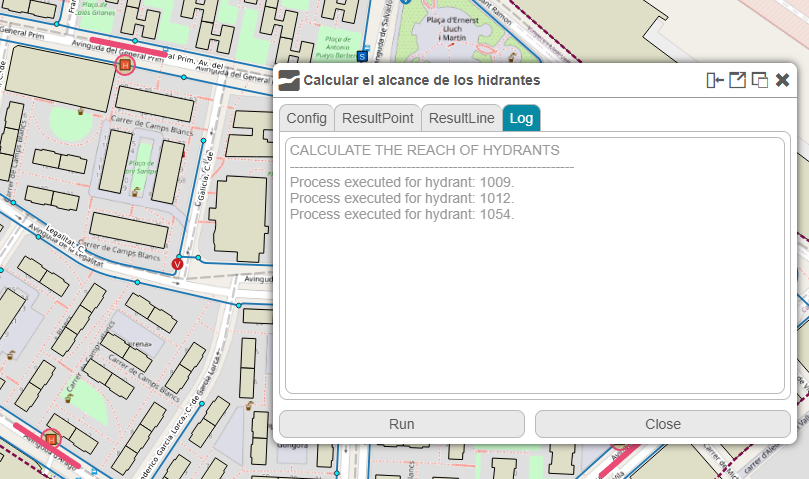
Fig. 23 Giswater Tool (Calculate the extent of the fire hydrants).
Processes and reports are configured in the config_toolbox and config_report database tables.