Search
Description
It uses QWC2’s built-in search functionality by adding its own ‘searchprovider’ to search network elements (GwSearch).
GwSearch: Giswater integrated search engine to find nodes, pipes, valves, etc.
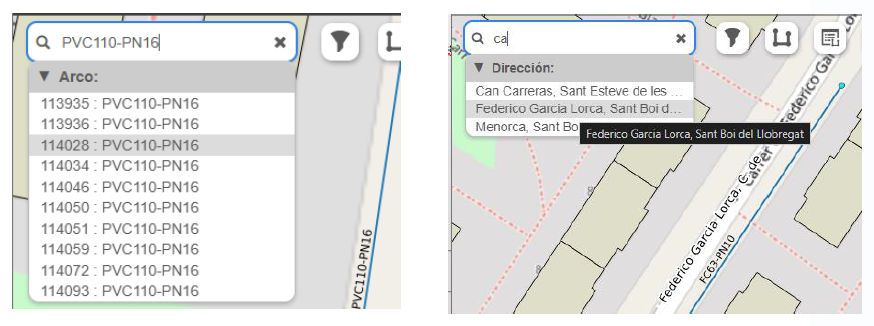
Fig. 17 GwSearch window.
Custom SearchProvider:
Configurable custom search depending on specific needs. Information about how to get it up and running in Other Configurations.
How to use
Type the text or code of the element you want to locate in the search field.
Review the results list and choose the desired element.
The map will automatically center on and display the selected element.