Themes
Description
In this section you can manage QWC2 themes, specifically:
Create, edit or delete themes.
Create and manage theme groups.
Create and manage background layers.
Upload and delete thumbnails (Mapthumbs) used by themes and background layers.
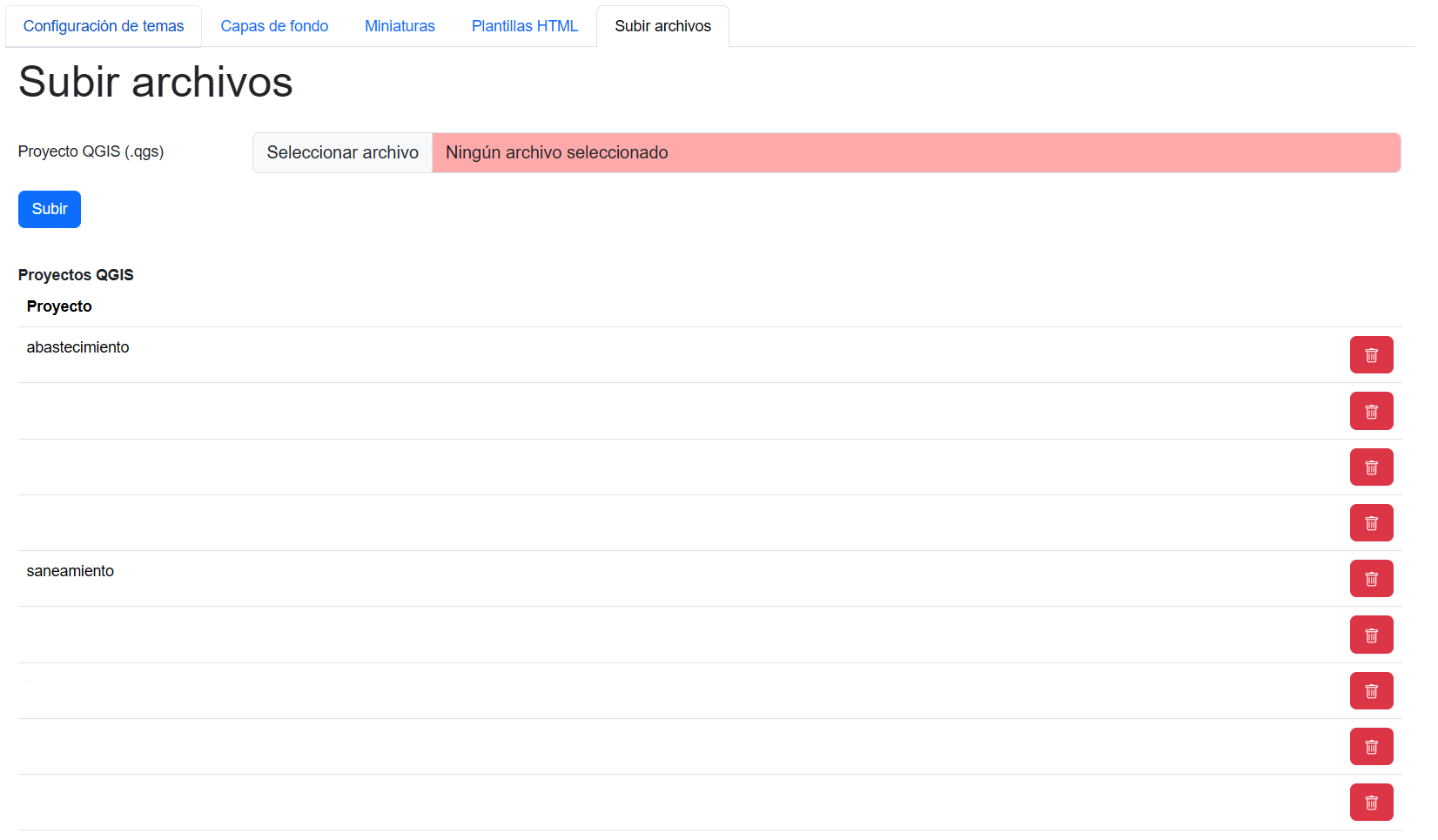
Upload and delete QGIS projects used by themes.
Note
Themes within QWC2 correspond to the QGIS projects that are published on QGIS Server.
How to use
Theme settings
From this section we can view the list of published themes and theme groups. We can create, edit or delete themes and theme groups.
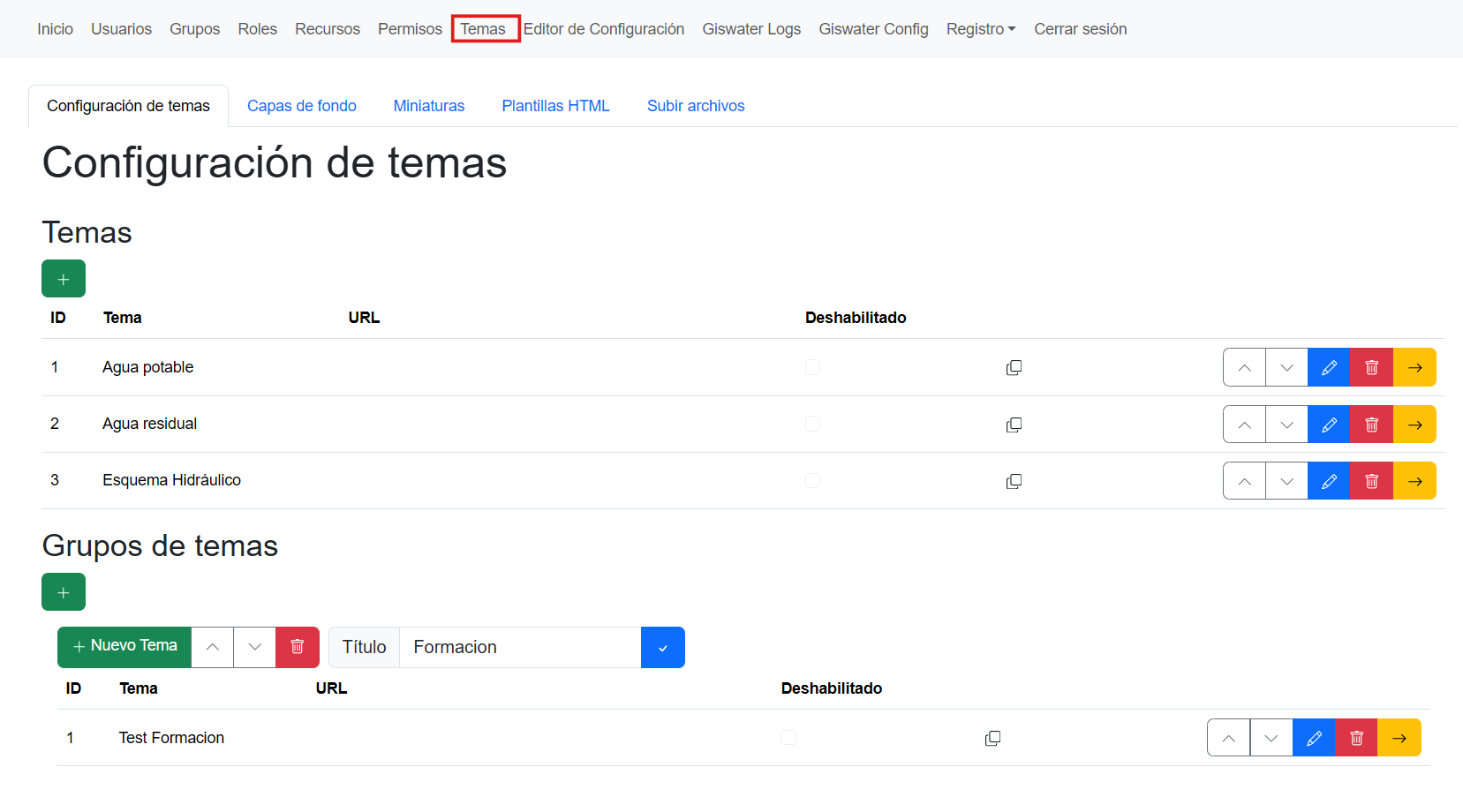
More details on how to create a theme can be found in the Publish QGIS Project section.
Background layer settings
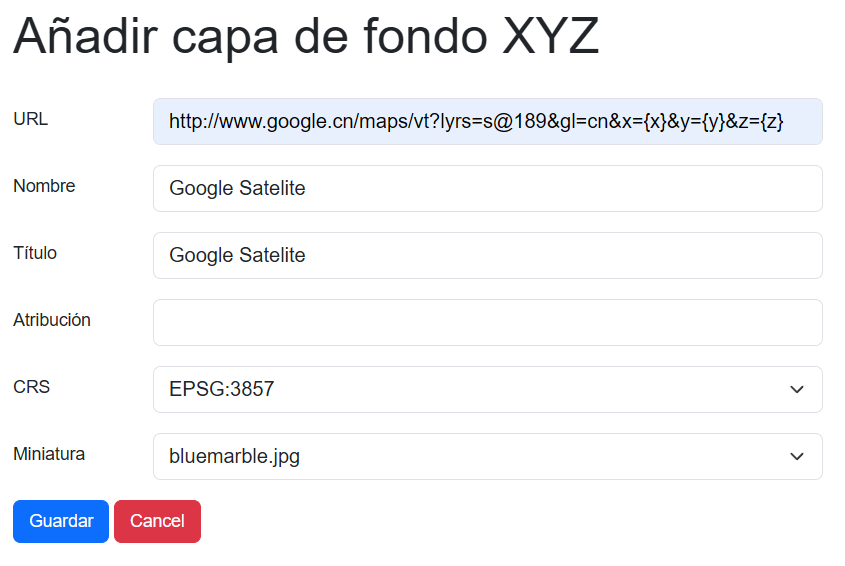
From this section, we can see the list of published background layers. We can create, edit or delete background layers. Background layers are external layers that can be added to themes to improve visualization. These layers are rendered on the map below the QGIS project layers.
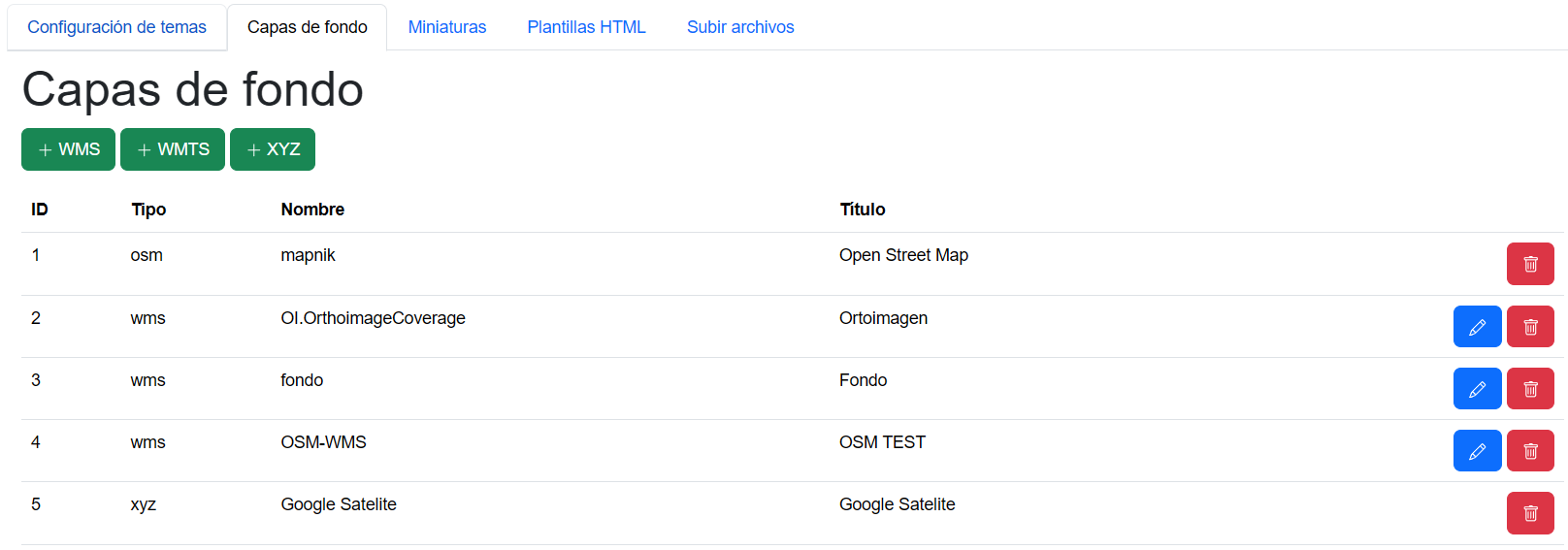
We can add layers in WMS, WMTS or XYZ formats.
Thumbnail settings (Mapthumbs)
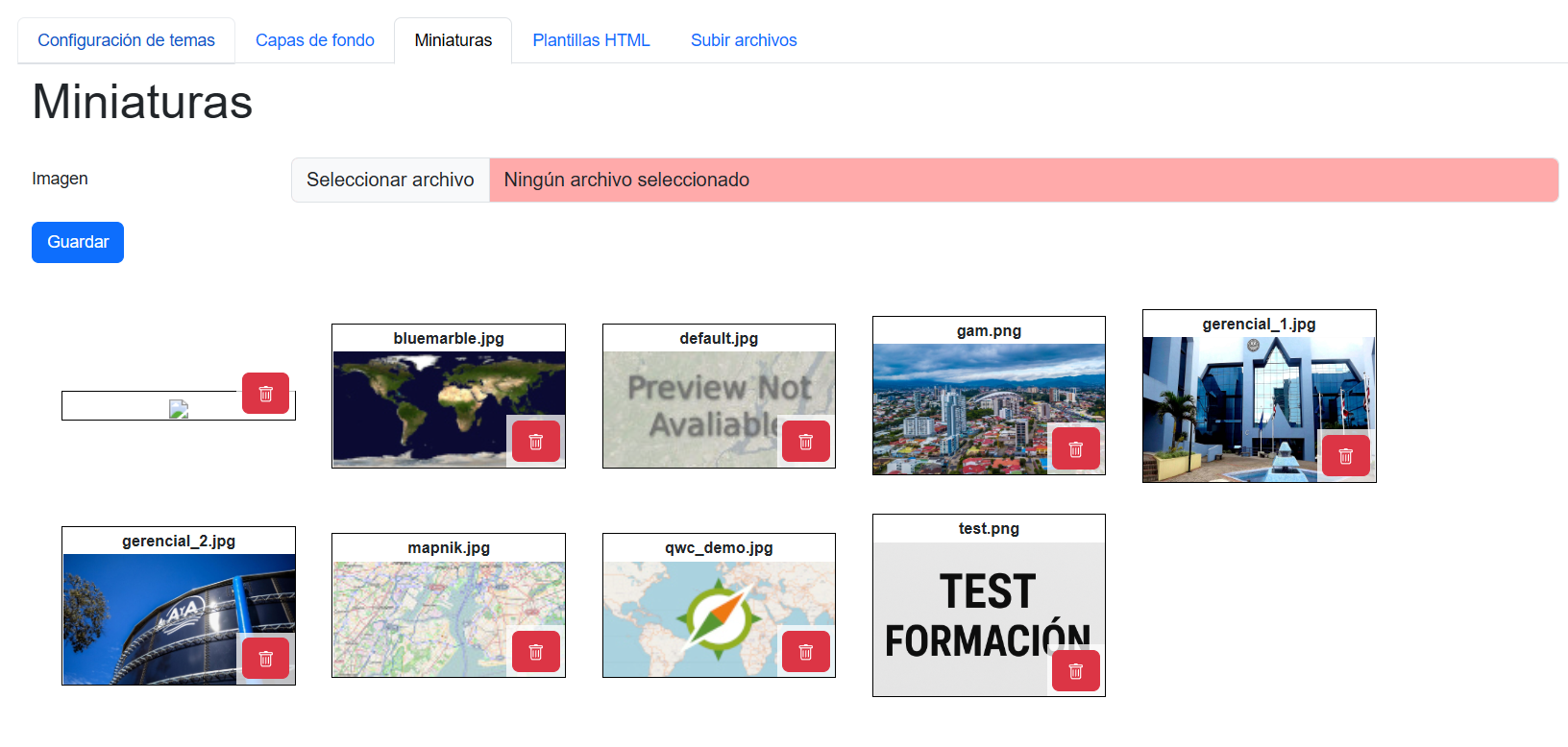
From this section, we can see the list of thumbnails (Mapthumbs) used by themes and background layers. We can upload new ones or delete the existing ones.
Upload files
From this section, we can upload the QGIS projects (.qgs) to use them in a Theme. It is important that the QGIS project is properly configured so it is valid for QGIS Server; more information about this in Publish QGIS Project.