User Creation
Description
In this section, you manage QWC2 users, allowing you to add, edit and delete users.
Warning
User, group and role management from the Administration Backoffice is only relevant if the authentication method is qwc-db-auth. If the authentication method is some type of SSO (Single Sign On) or LDAP, users are managed in those systems and not in this section.
How to use
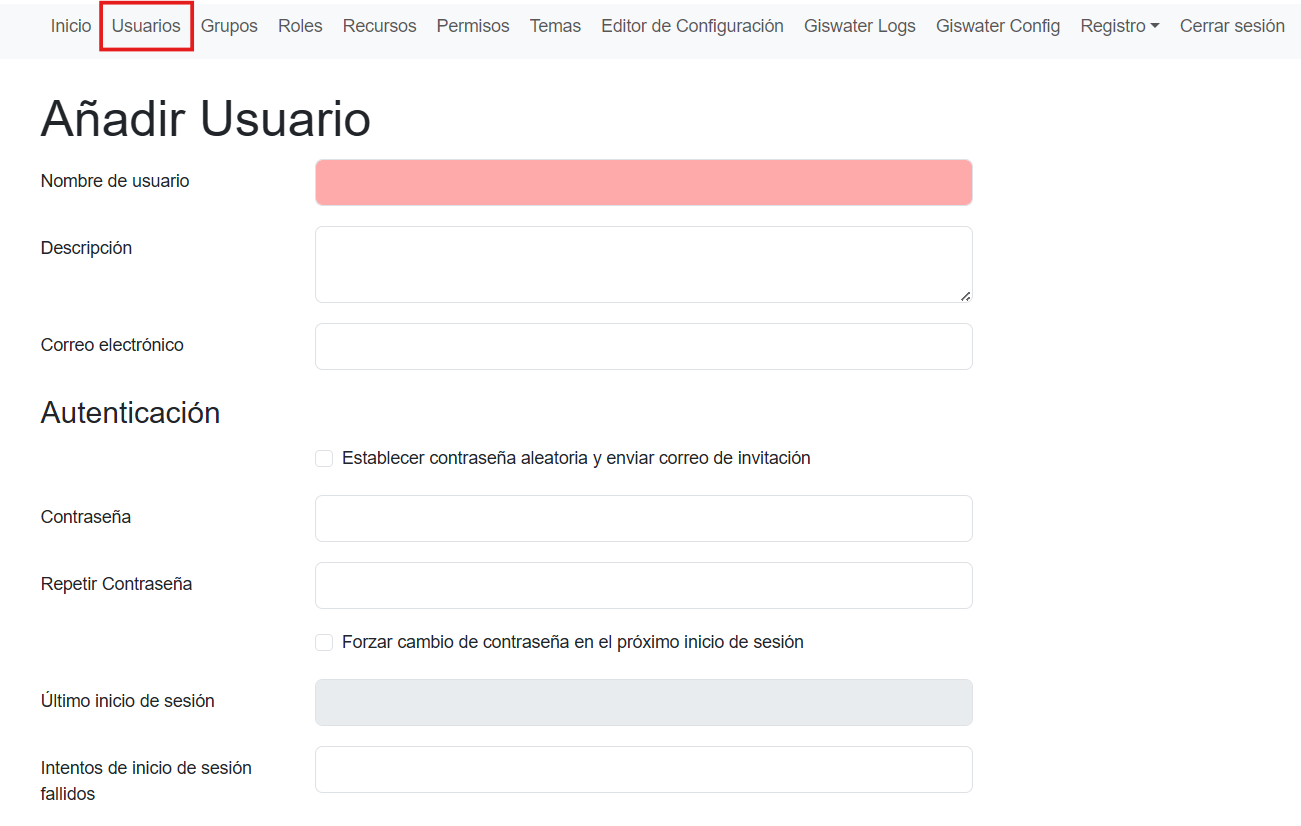
The user creation form lets you define the following fields:
Username
Description
Email address
Password
Create password automatically and send a verification email
Force password change at first login
Note
Any functionality that involves sending emails requires that the email servers are configured.
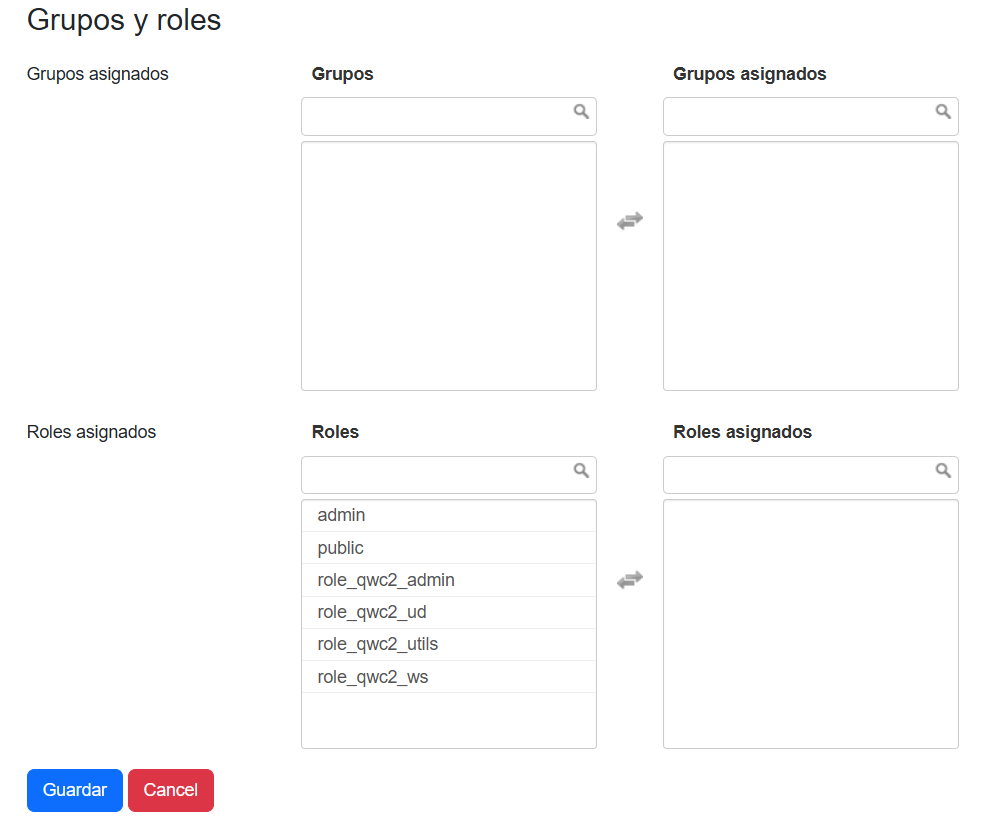
In the last section, we can define which groups and roles the user belongs to. Group creation works the same as user creation.